Students
Import class lists, maintain profiles and passports, monitor progression and prepare class albums.
 ExamOfficerTM
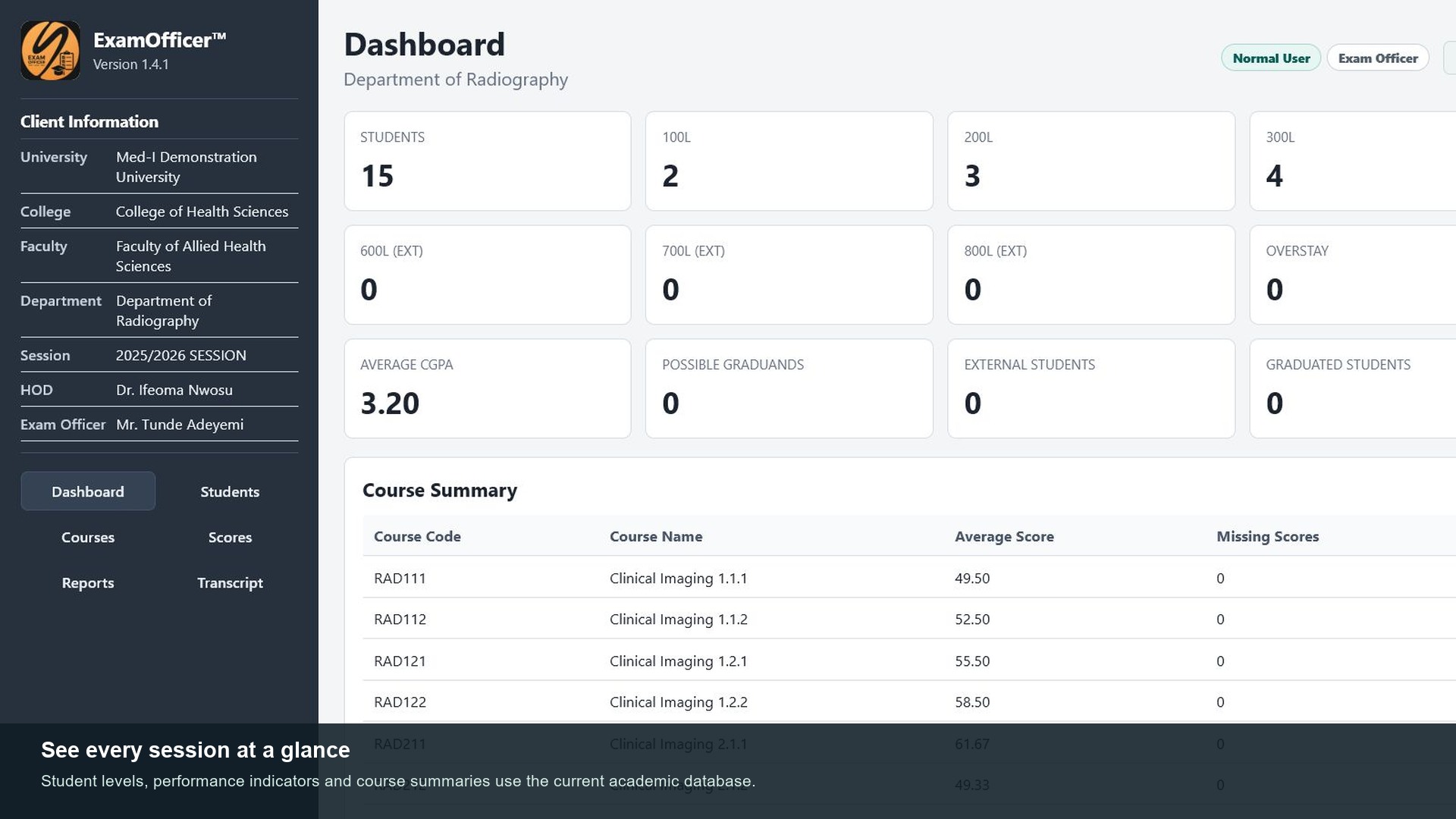
Examination records, kept locally
Manage class lists, scores, eligibility, degree results, transcripts and academic reports from one structured desktop workspace.
One academic record workflow
Import class lists, maintain profiles and passports, monitor progression and prepare class albums.
Import course scores, record resits, track carry-over passes and calculate GPA and CGPA.
Evaluate eligibility, identify possible graduands and produce configurable academic reports.
Prepare degree results, transcripts, PDF reports and Excel exports in institution-specific formats.
Two-minute overview
Before installation
Check the intended computer before requesting a trial or purchasing a licence. Each ExamOfficer licence is issued for one Windows computer.
Trial or full licence
Choose the product first. ExamOfficer retains its seven-day evaluation with the current data limits. ScheduleOfficer provides 14 days of full access, followed by seven days of view-only access. A full licence covers one computer for one year and is delivered within 24 hours after verified payment.
Your 24-hour installer link and request ticket will be sent by email. Submitted information is used only to process your ExamOfficer request and support the installation.
Already have a request ticket? Complete your full licence request.
Purchasing for several computers? Request an institutional quotation.
Already licensed? Extend or subscribe using the renewal request from the installed app.